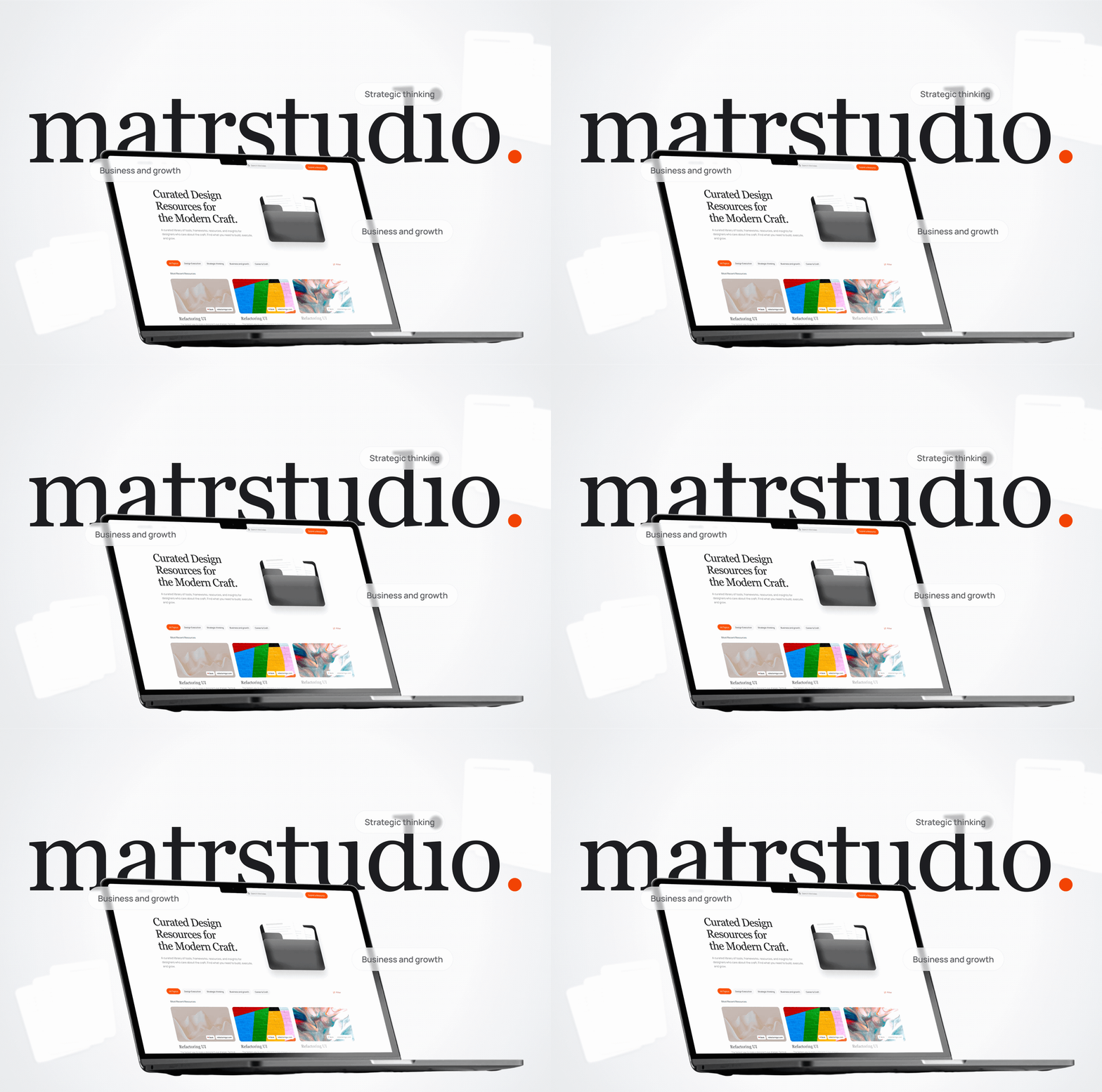
MatrStudio.
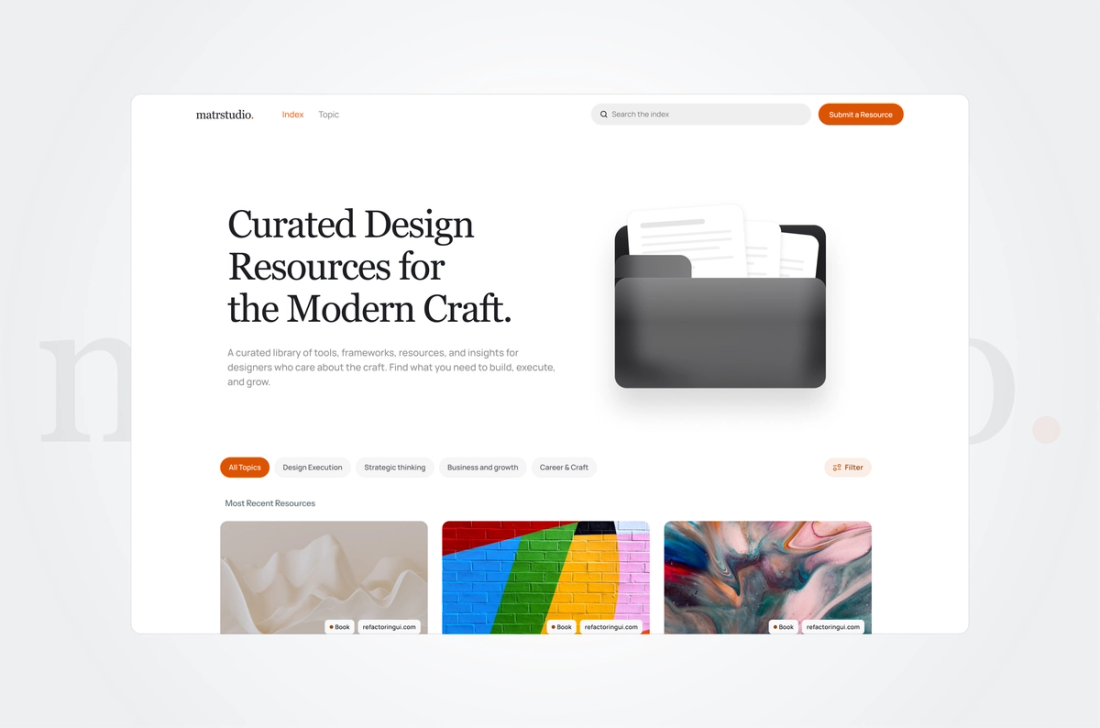
A curated library of tools, frameworks, resources, and insights for designers who care about the craft. Find what you need to build, execute, and grow.
Built In
2 weeks
Platform
web and mobile
Infrastructure
Sanity CMS-backed architecture
Focus
Resource availability
The Challenge
Designers and product teams frequently lose valuable time navigating scattered bookmarks, untrustworthy recommendations, and fragmented workflows. There was a clear need for a centralized, strictly evaluated library that cuts through the noise. The core problem was building a scalable directory that not only categorized these tools effectively but also provided a seamless, unified experience across both web and mobile platforms without overwhelming the user with information overload.
My Role
What I Worked On
Design Showcase
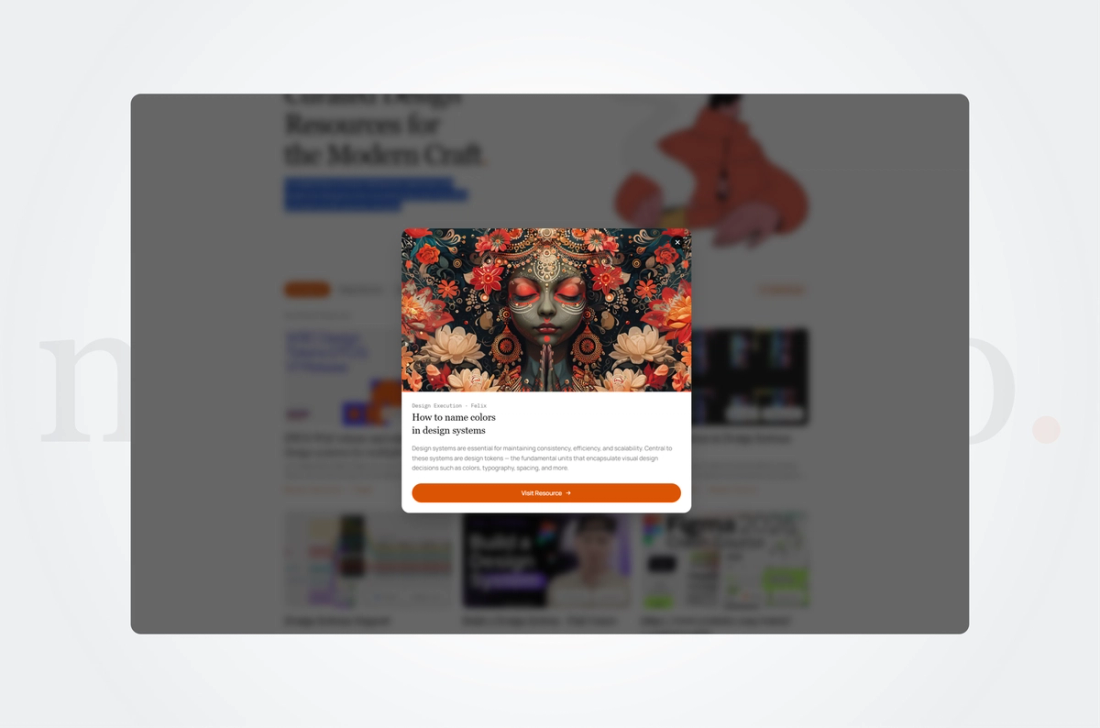
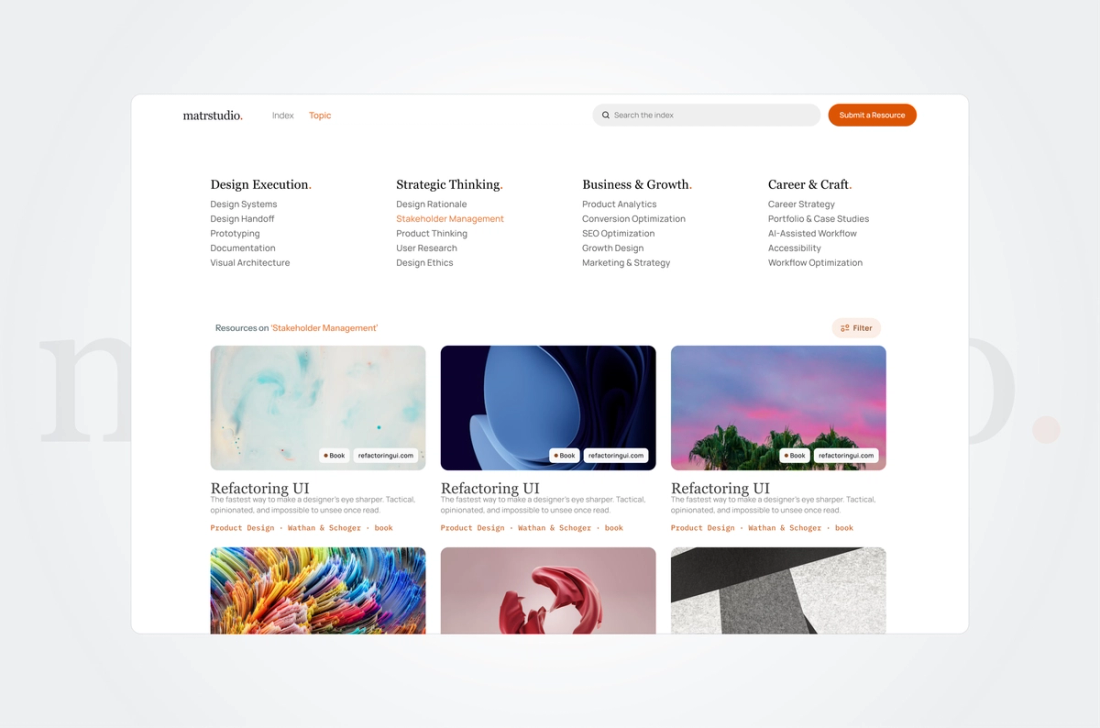
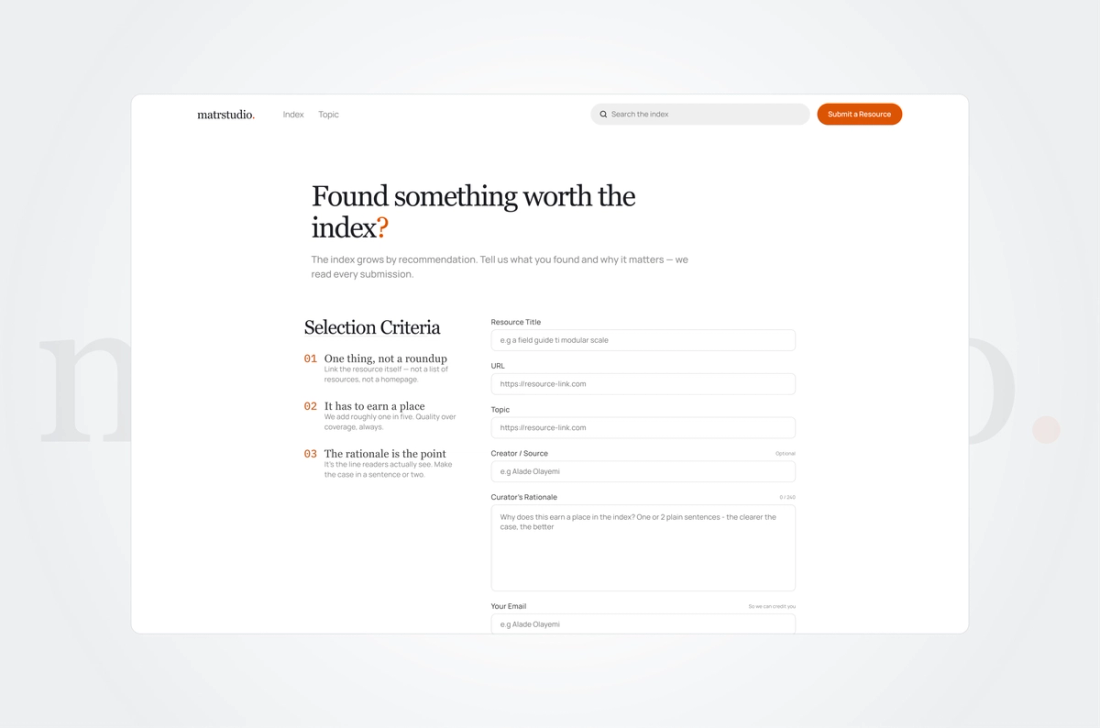
Visual exploration of the web app and resource upload forms
The Solution
I focused on efficiency from the very start. Before building anything, I planned out how to organize scattered design tools into one clean directory. The main solution was a fast, easy-to-use layout for both web and mobile. I built a strong search and filter system so users can find what they need right away, without any confusing clutter. For the backend, I used Sanity CMS. This made it simple to keep the library updated as it grows. I also paid special attention to how people submit new tools. Instead of using clunky third-party plugins, I built custom forms. This gave me complete control over the design and made it effortless for users to share resources. In the end, the platform serves as a single, reliable hub that helps designers work much faster.
The Outcome
The Operational Index replaced messy bookmarks and scattered links with a centralized library organizing top-tier design tools. Finding the right framework went from a time-consuming hunt to a fast, simple search. Custom-coded submission forms eliminated the need for clunky third-party plugins, and a dynamic Sanity CMS backend was built directly into the platform to keep updates instant. Designers gain a reliable hub for their daily work and free up their time to focus on creating great products, not searching for resources.
Like what you see?
Let's talk about building something like this for your business.